 MinaryHub
KStruct
Guided 3D Finite Element Analysis (FEA) App · Free download for Linux, Windows
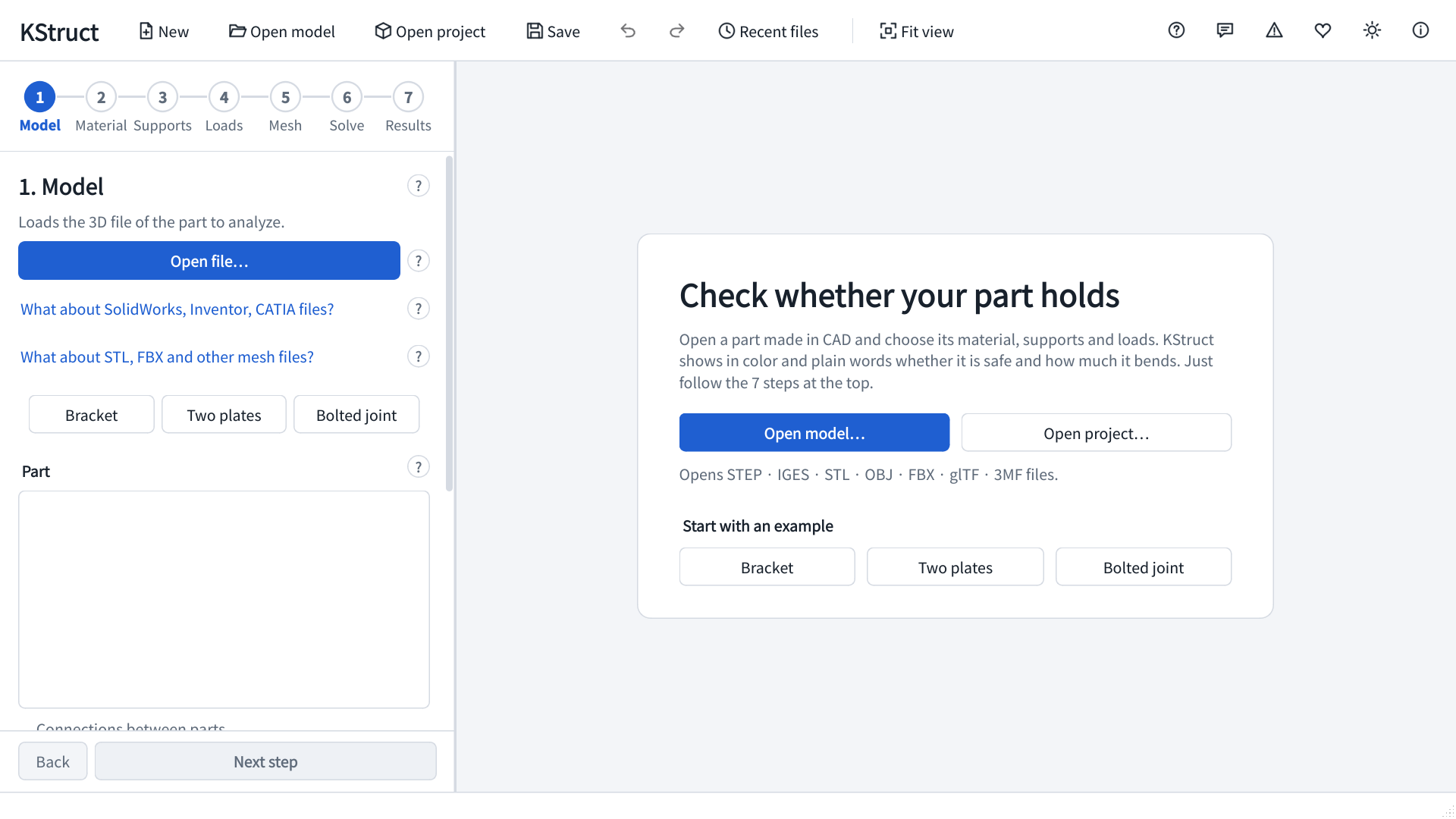
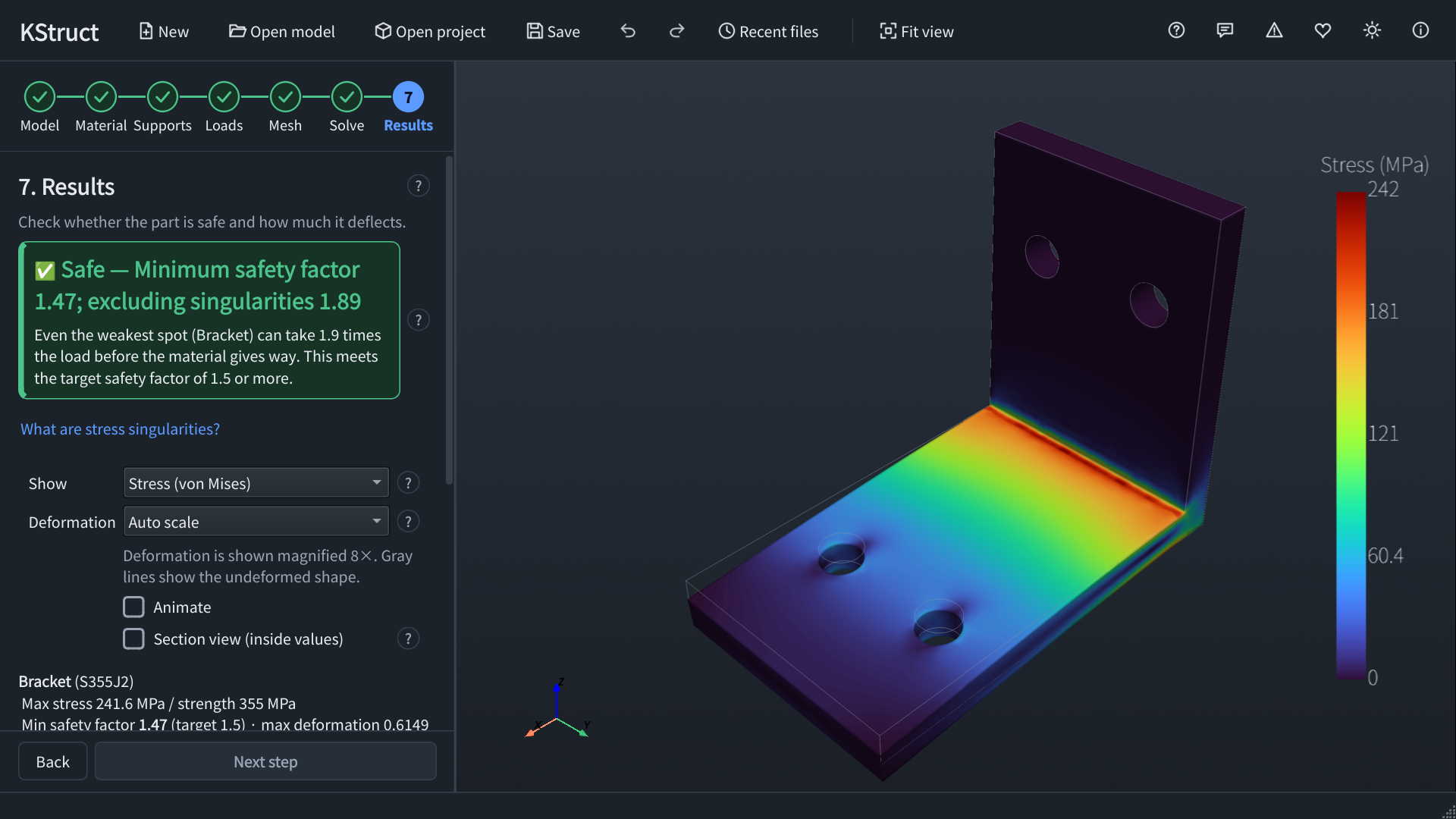
A 3D finite element analysis (FEA) app for mechanical parts. Open a CAD model, set the material, supports and loads, and it tells you in colors and plain words whether the part is safe — seven guided steps, no expertise needed.
Latest release v0.3.0 · Nov 20, 2026 · Platforms: Linux, Windows · Python
Features
- Open CAD models — STEP and IGES (recommended), plus STL, OBJ, FBX, glTF and 3MF. Assemblies are bonded automatically where parts touch.
- Materials — 22 steels, stainless, aluminium, cast iron, titanium, copper and plastics, with ISO, EN, KS, JIS, ASTM and GB names, or your own.
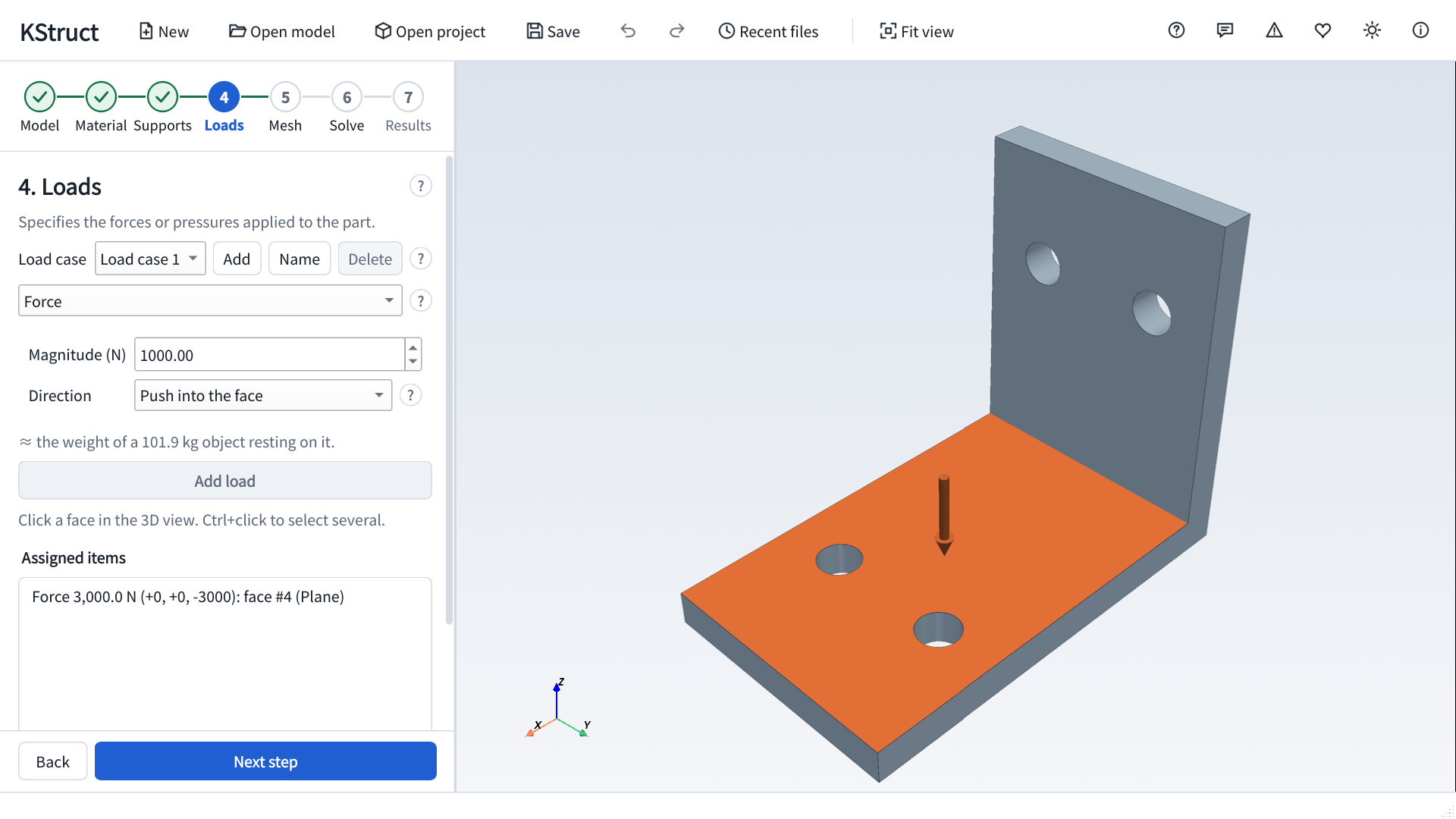
- Supports and loads — Fixed, sliding and pin supports; force, pressure, gravity, torque, bearing loads, centrifugal, temperature change, heat input and convection. Several load cases at once, with the worst one flagged.
- Automatic meshing — Quadratic tetrahedra that keep enough elements across thin walls, with local refinement on chosen faces.
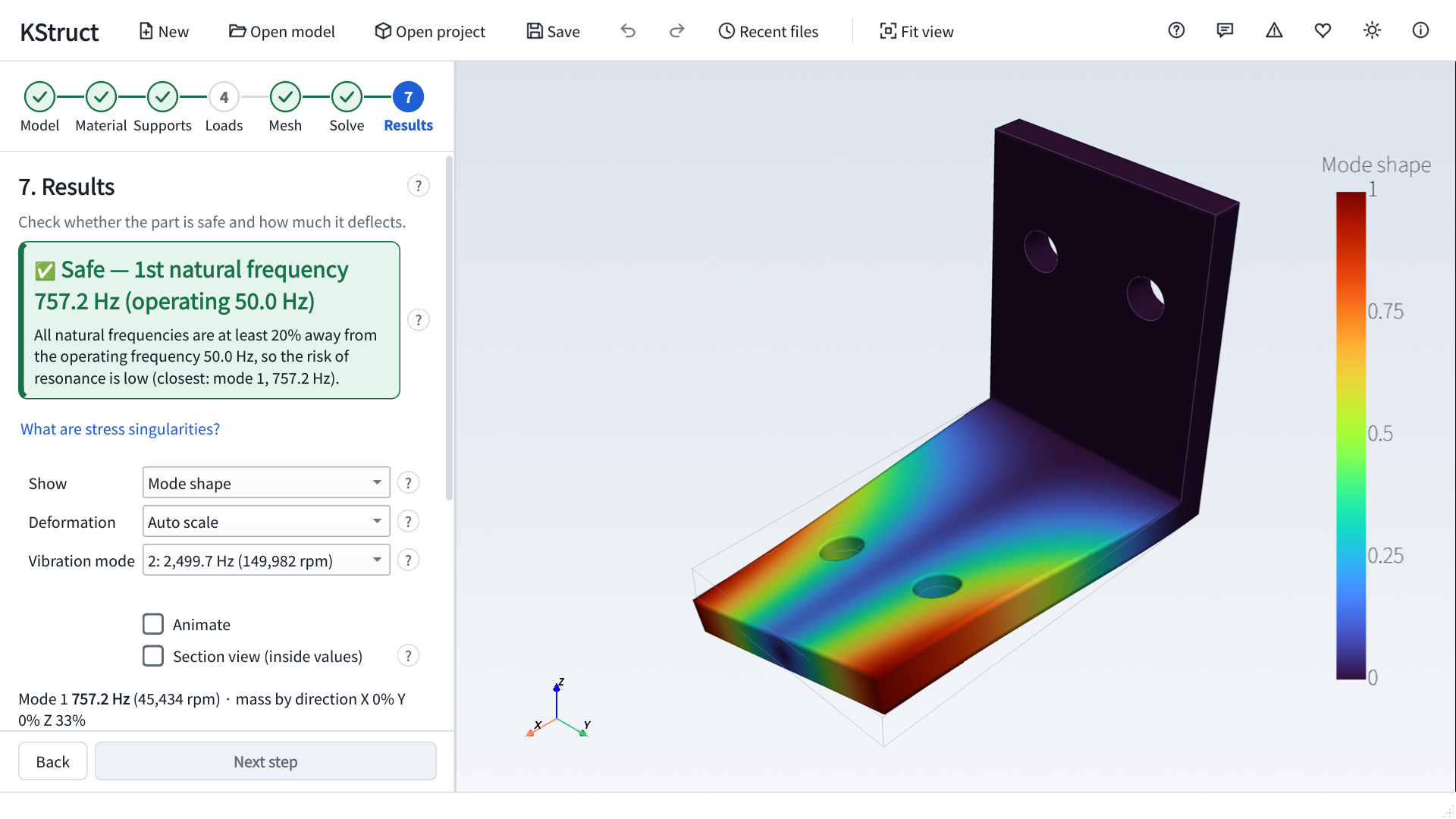
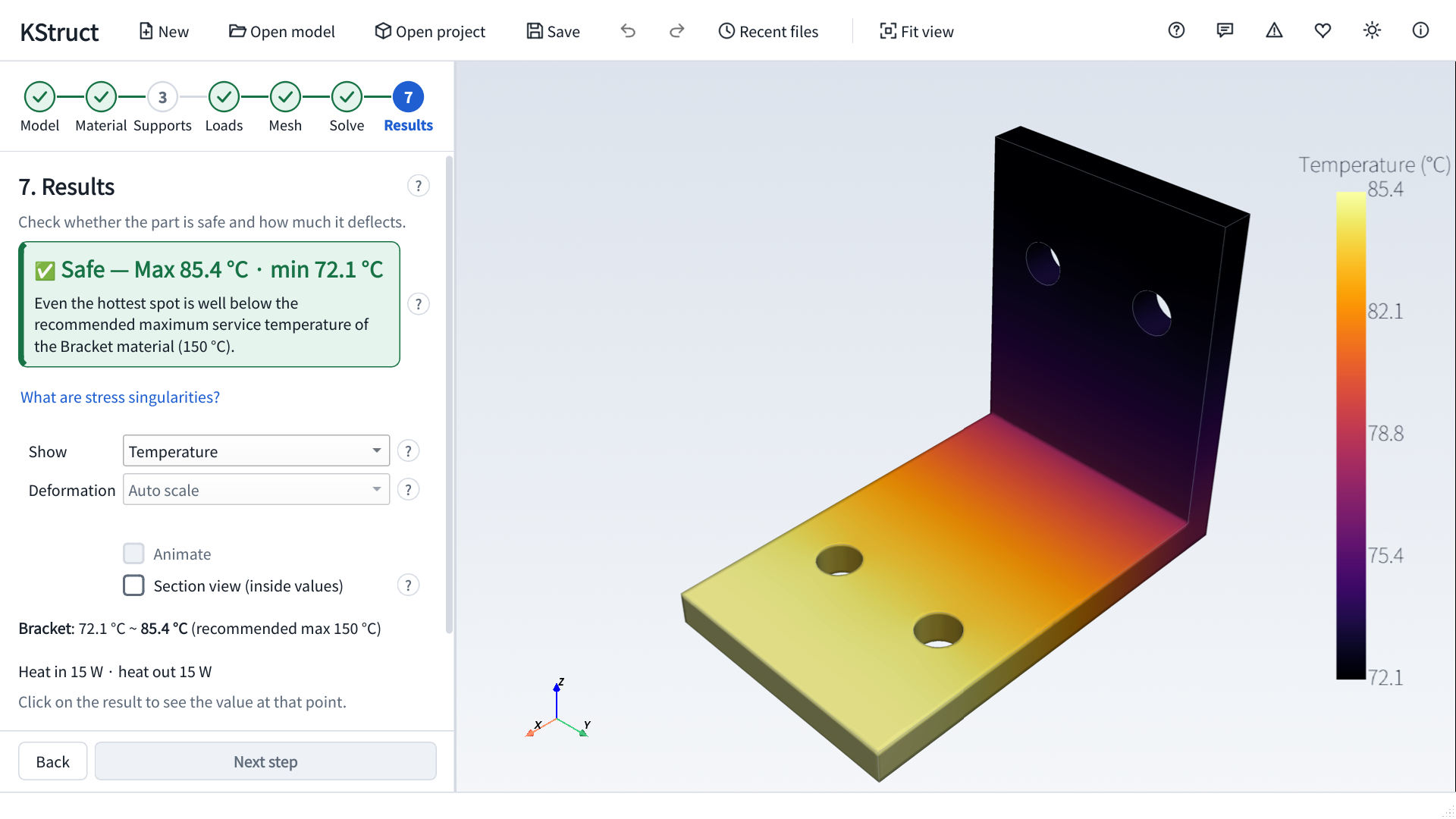
- Three analyses — Strength (with thermal stress and fatigue), vibration (natural frequencies and resonance check) and heat transfer.
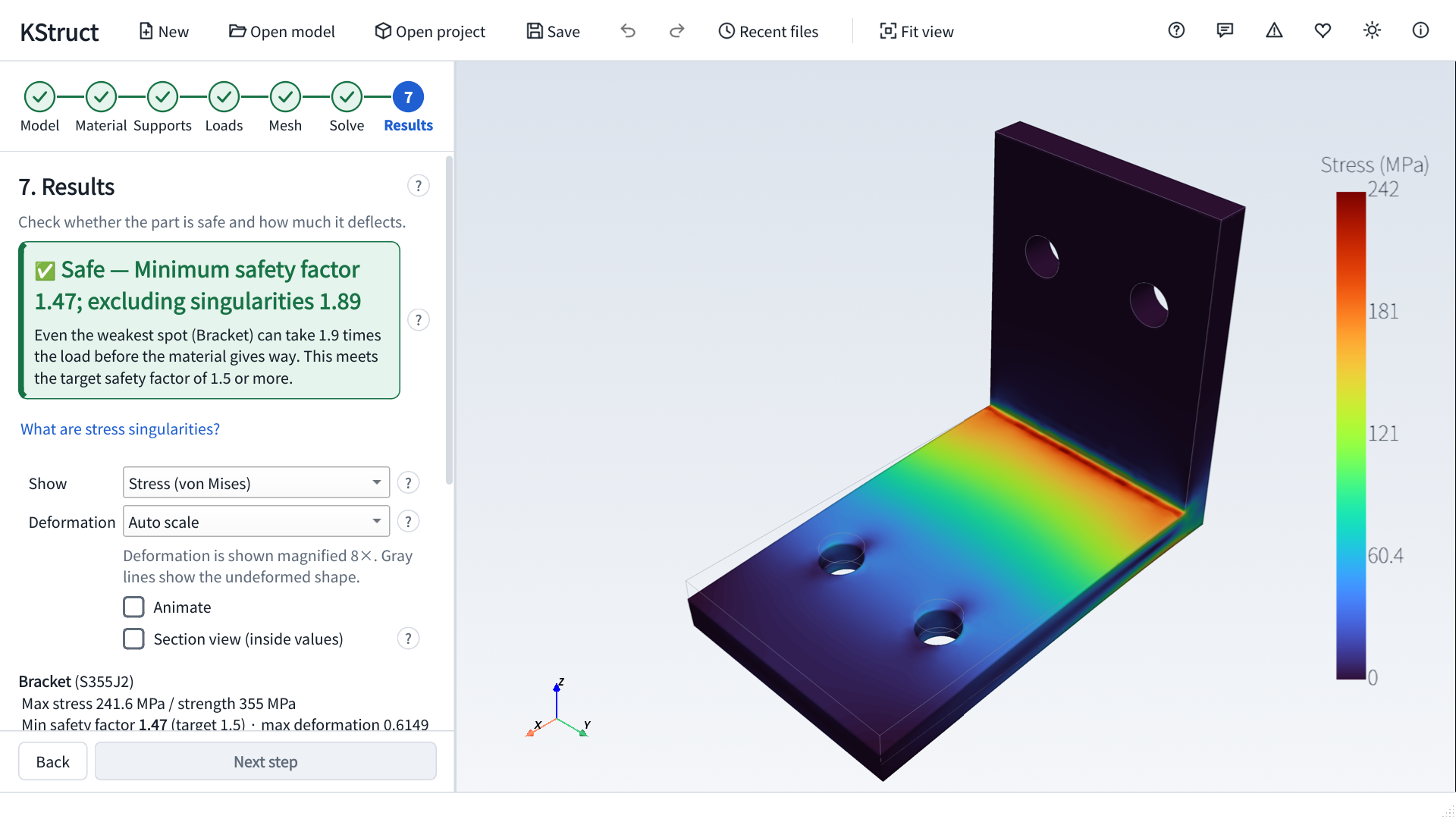
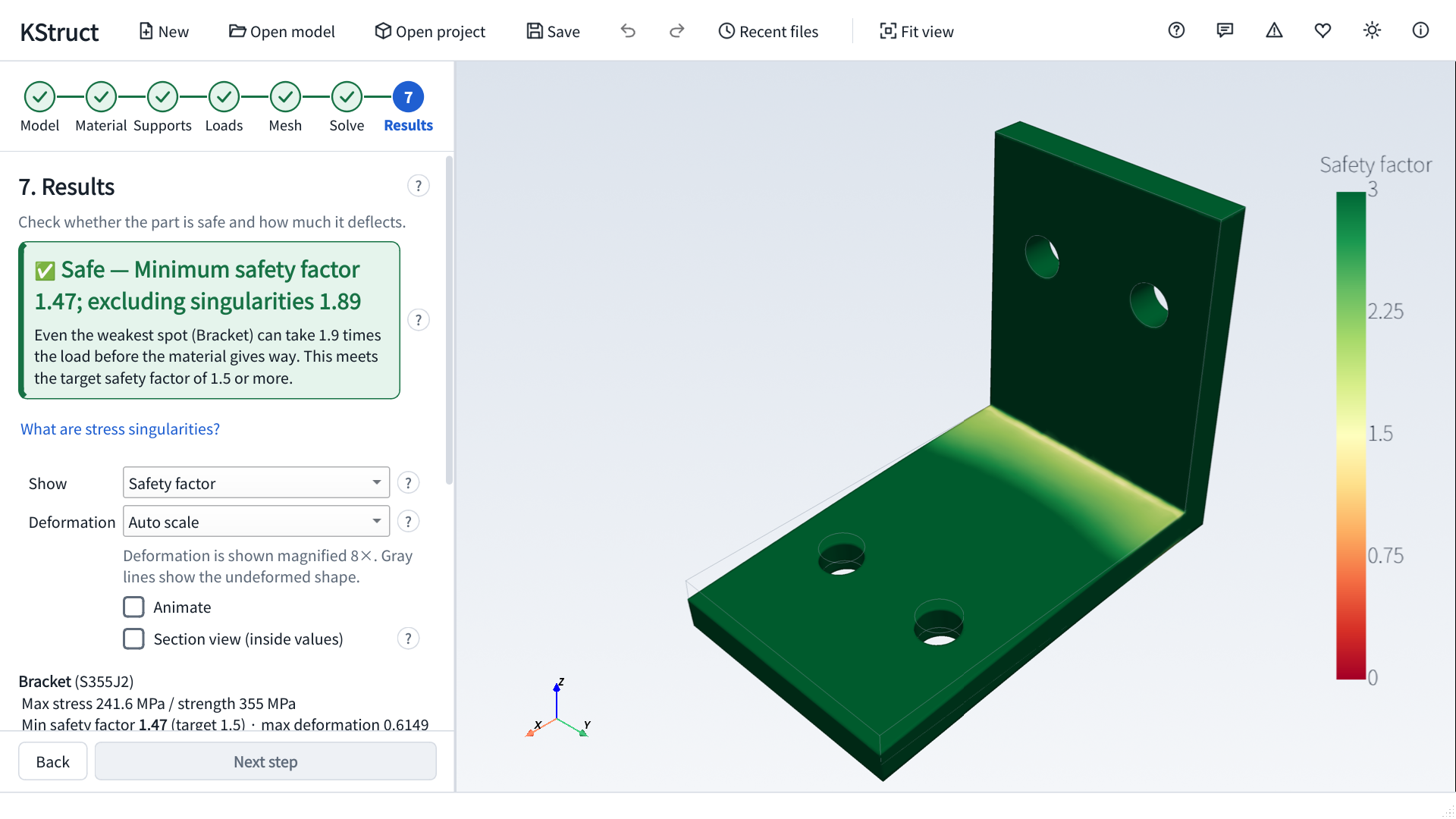
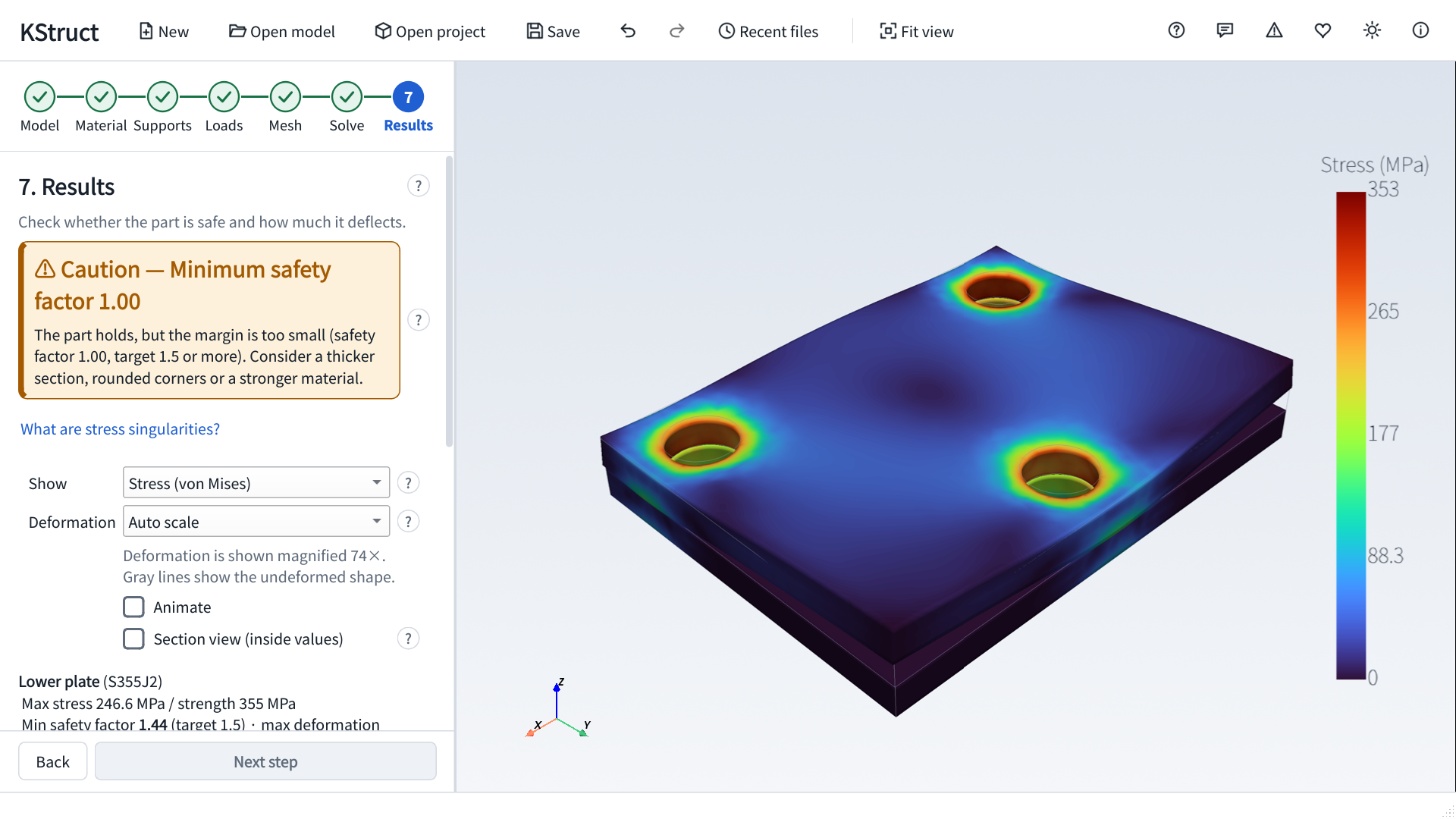
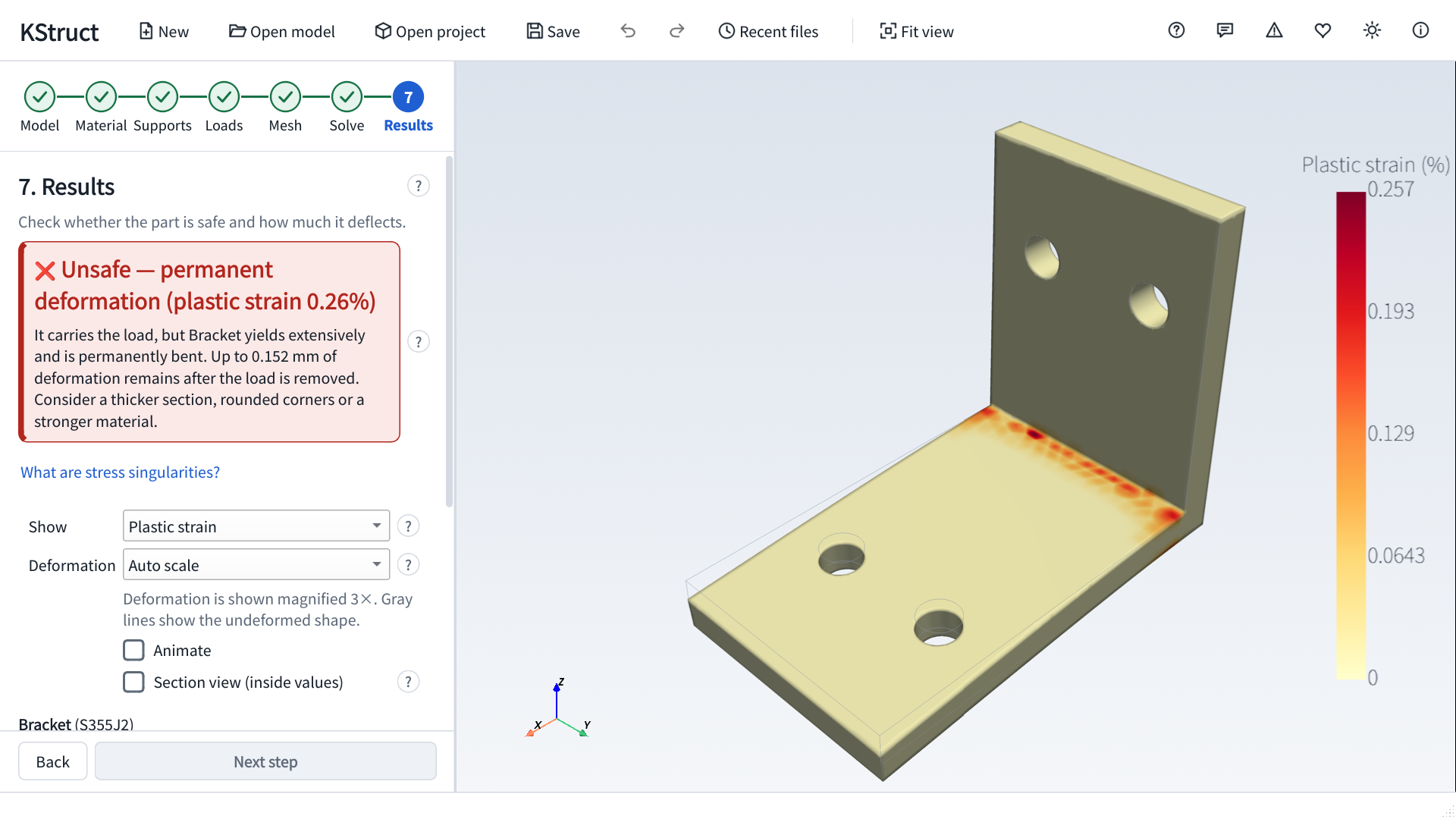
- Clear results — Safe / caution / danger verdict with stress-singularity detection, color maps, deformation animation, section views, comparison with earlier runs, PDF reports and CSV/VTU export.
- Help everywhere — Every button and field has a ? explanation.
Screenshots
 ezBoard
 BangDB Manager
 Kerminal
 Kite-Writer
 KYNEX
 Grid Display
 Kreate
 ScreenDeck
 BangDB
 DeskCue
 HanEng
 Curvo
 NetworkScanner
 MarineGlobe 3D
 Mobile Traffic Map
 OrbitPulse 3D
 Do Not Disturb
 Dotty