 MinaryHub
HanEng
Korean/English IME Indicator Next to Caret · Free download for Windows
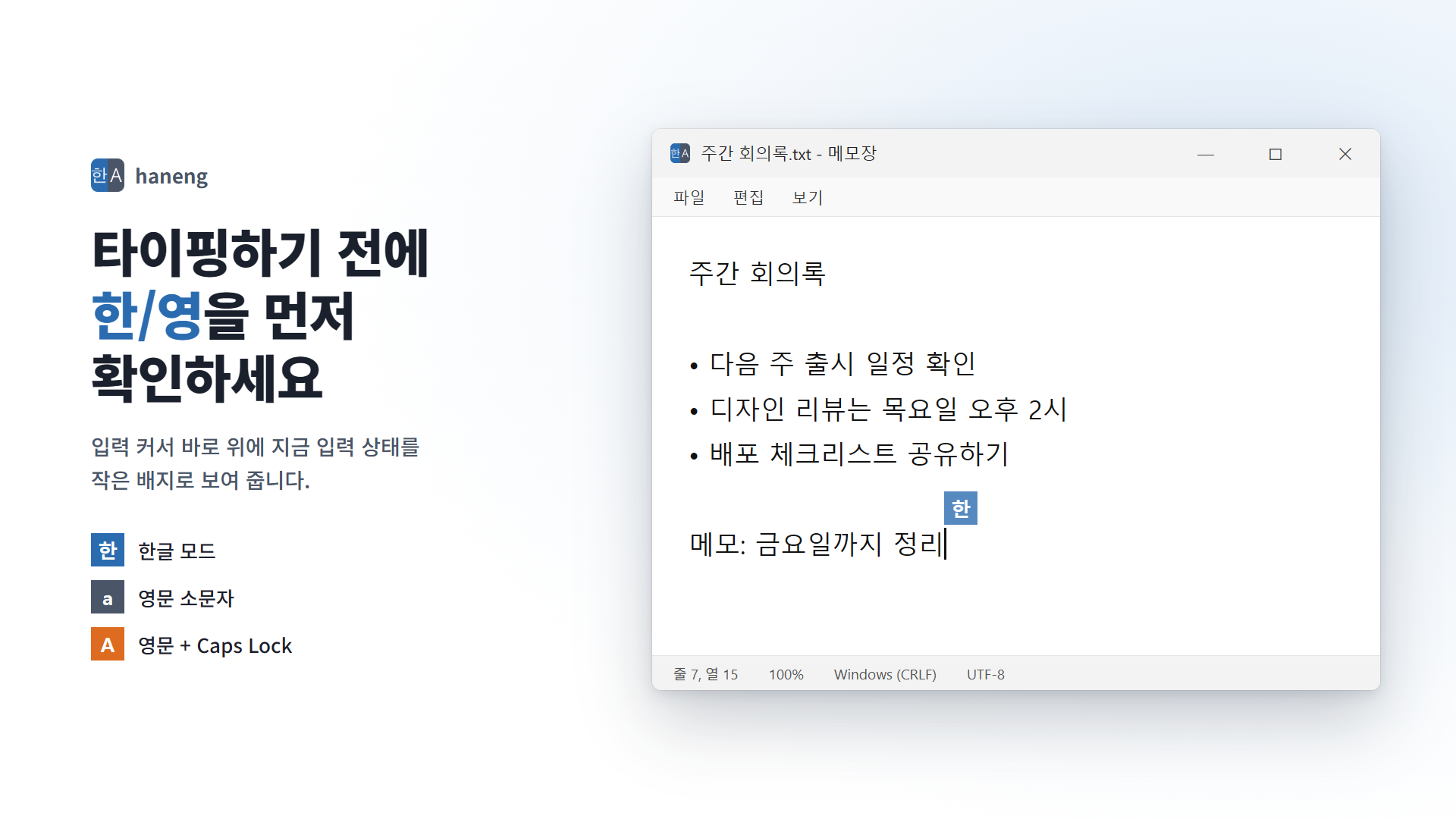
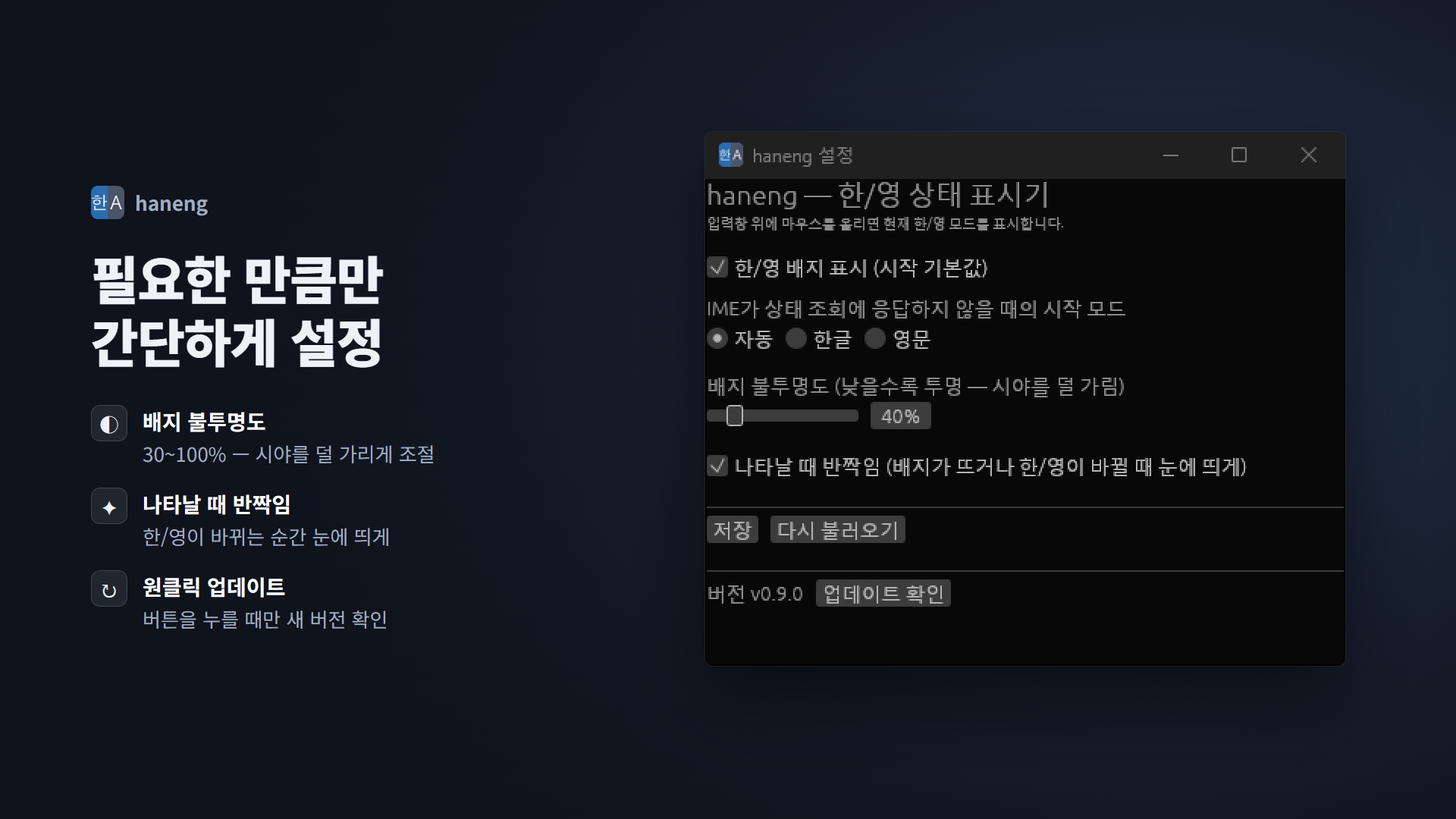
A Windows utility that shows a Korean/English input-mode badge next to your text caret, so you know the mode before you type.
Latest release v0.9.1 · Oct 22, 2026 · Platforms: Windows · Rust
Features
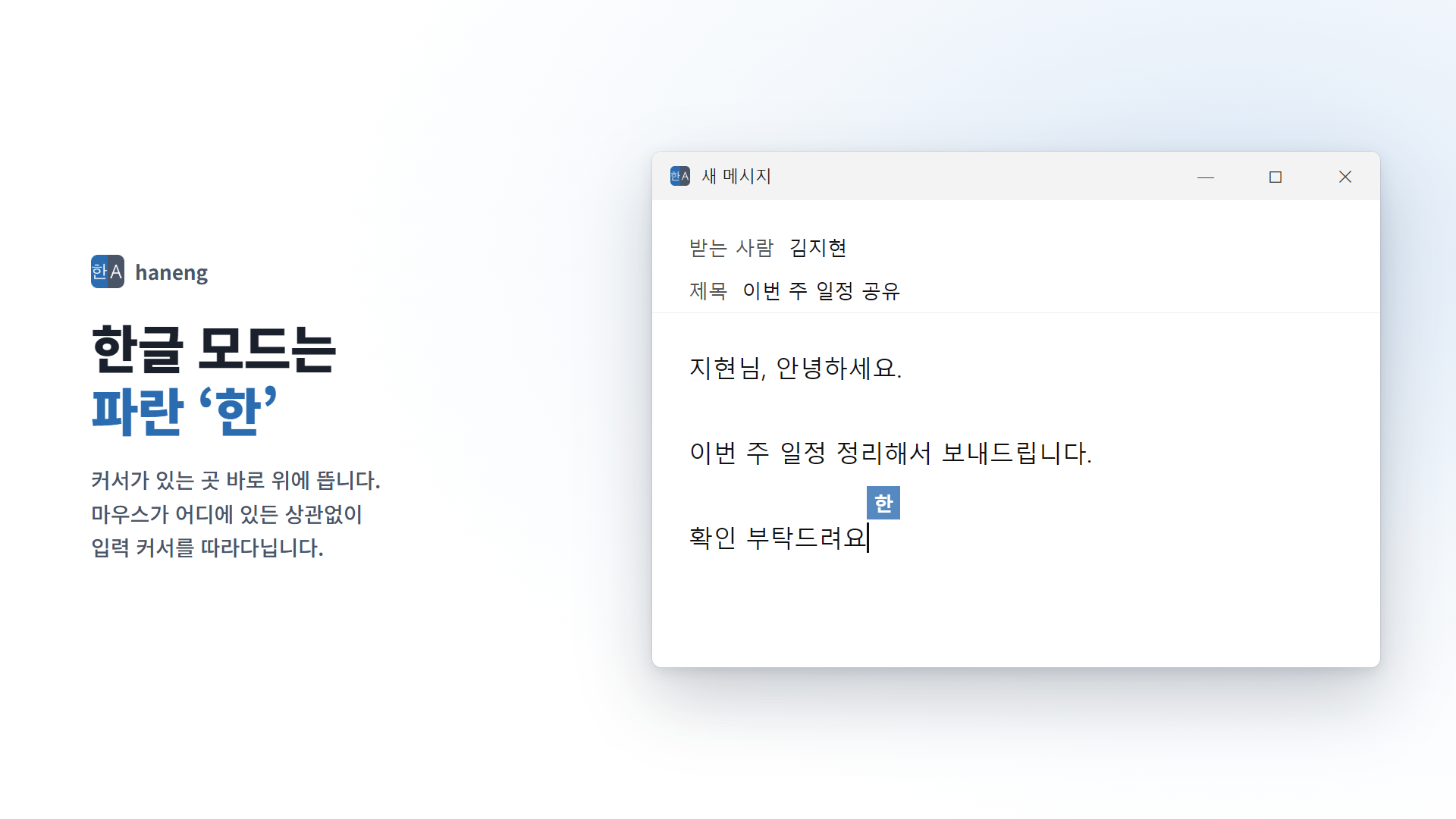
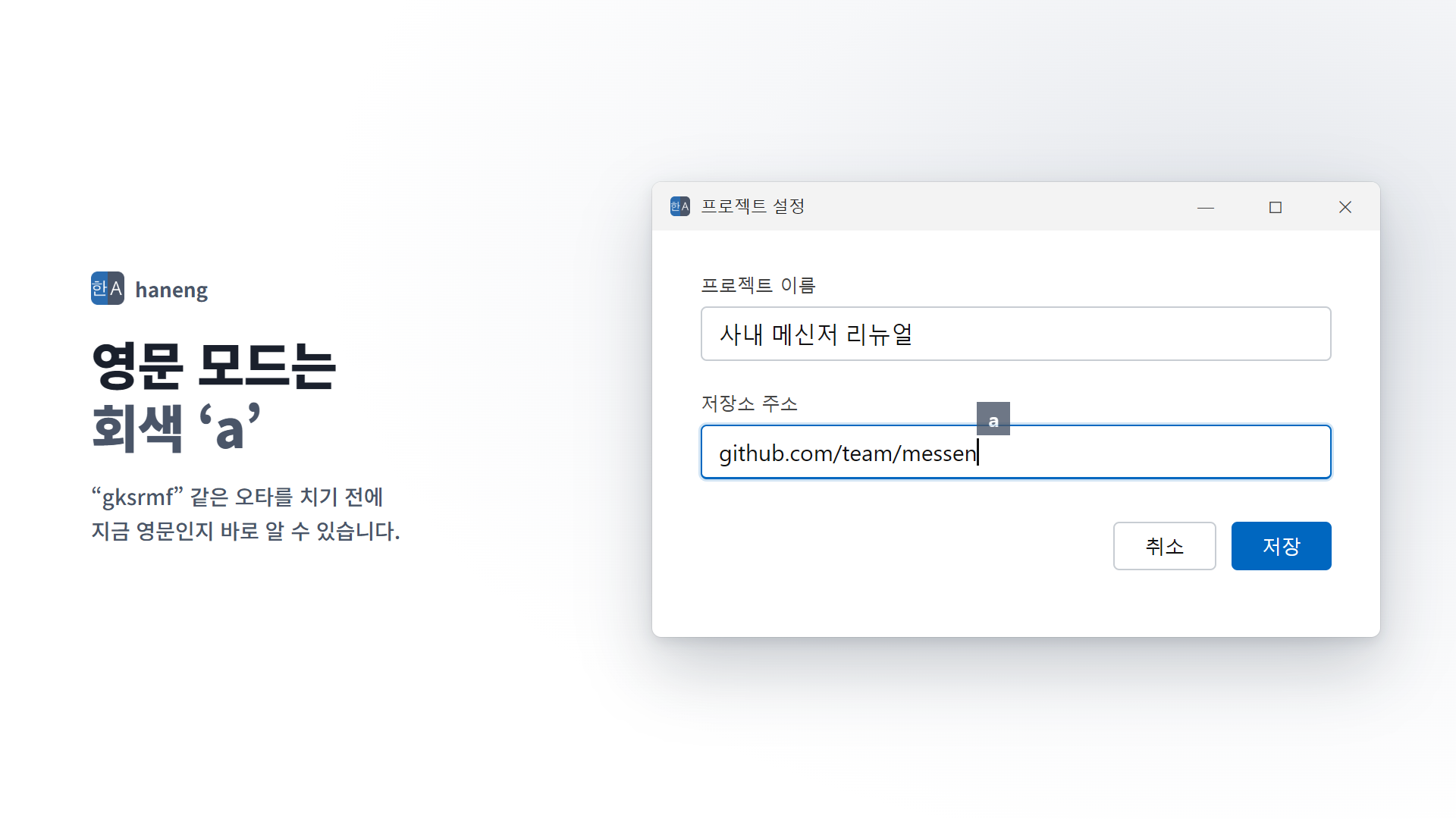
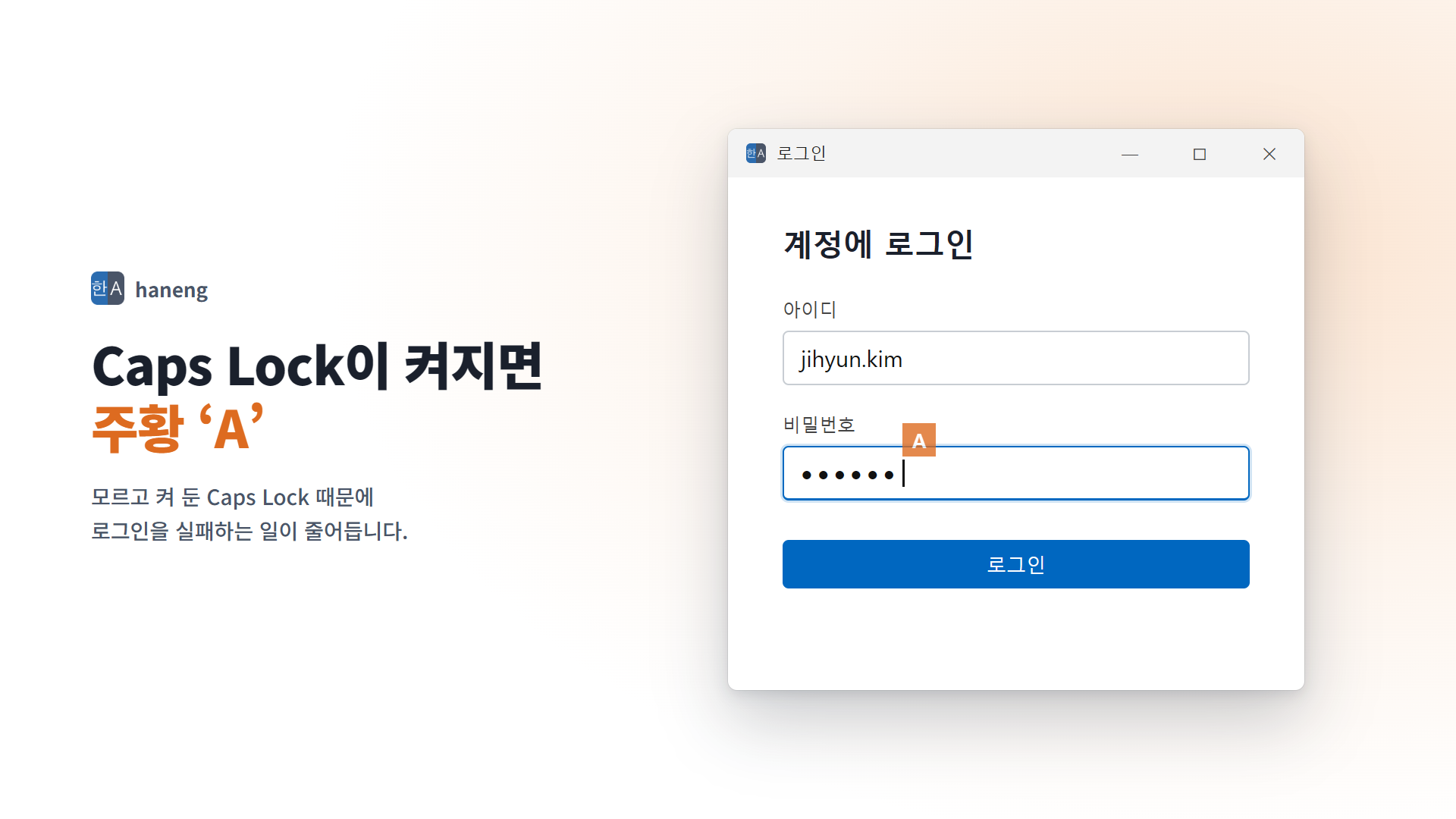
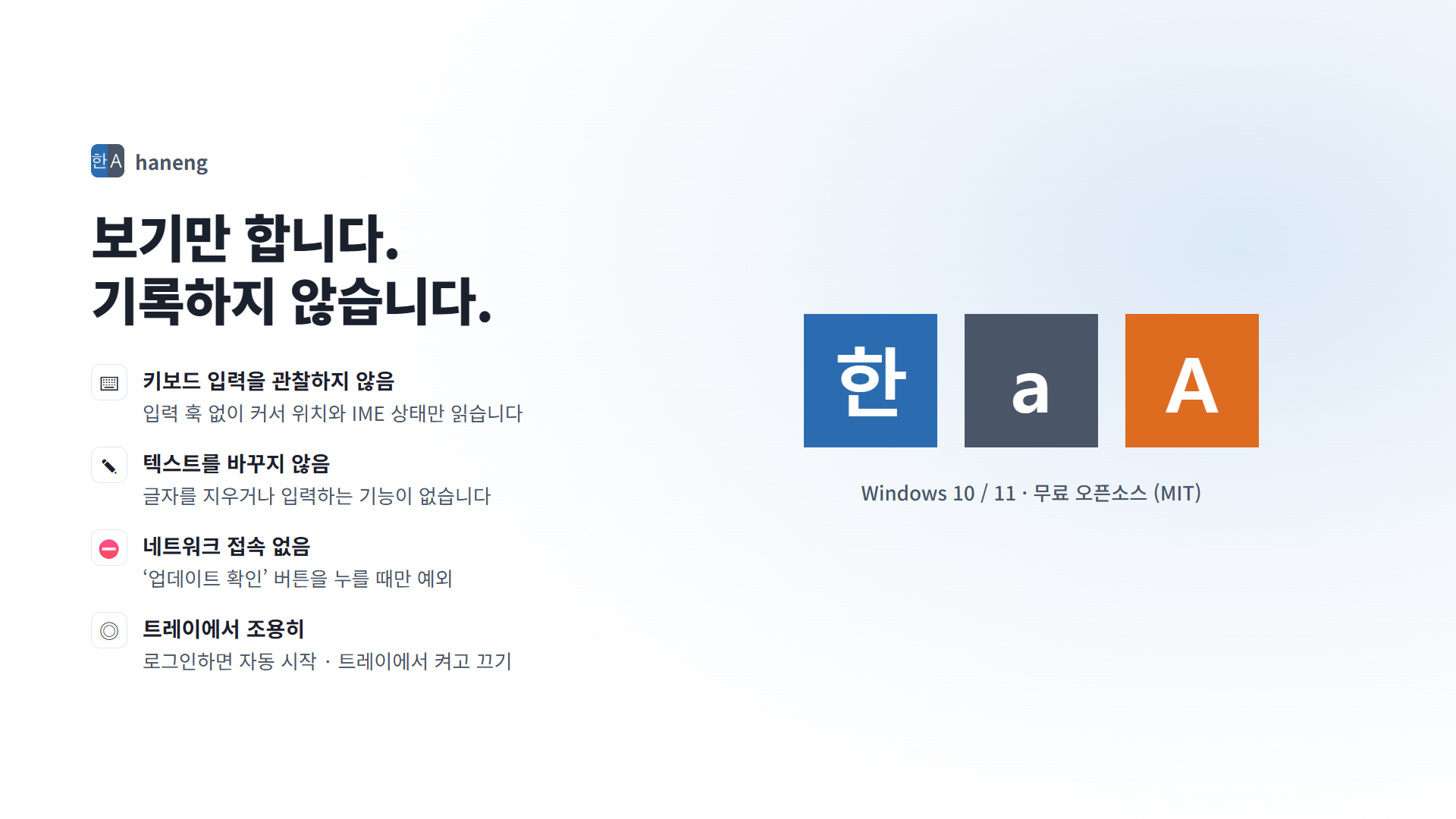
- Know the mode before you type — A small badge next to the text caret: blue “한” for Korean, gray “a” for English, orange “A” when Caps Lock is on.
- Follows the caret — Appears where you are typing, not at the mouse, including in Chrome and Electron apps.
- Doesn't watch your keyboard — No input hooks; it only reads the caret position and the input mode.
- Doesn't touch your text — It never types or erases anything.
- Offline — No network use except when you press the update check button.
- Simple install — A Windows installer that starts it right away and at sign-in.
Screenshots
 ezBoard
 BangDB Manager
 Kerminal
 Kite-Writer
 KYNEX
 Grid Display
 Kreate
 ScreenDeck
 BangDB
 DeskCue
 Curvo
 NetworkScanner
 MarineGlobe 3D
 Mobile Traffic Map
 OrbitPulse 3D
 Do Not Disturb
 Dotty