 MinaryHub
ezBoard
AI PCB Schematic & Auto-Routing Designer · Free download for Android, Linux, macOS, Windows
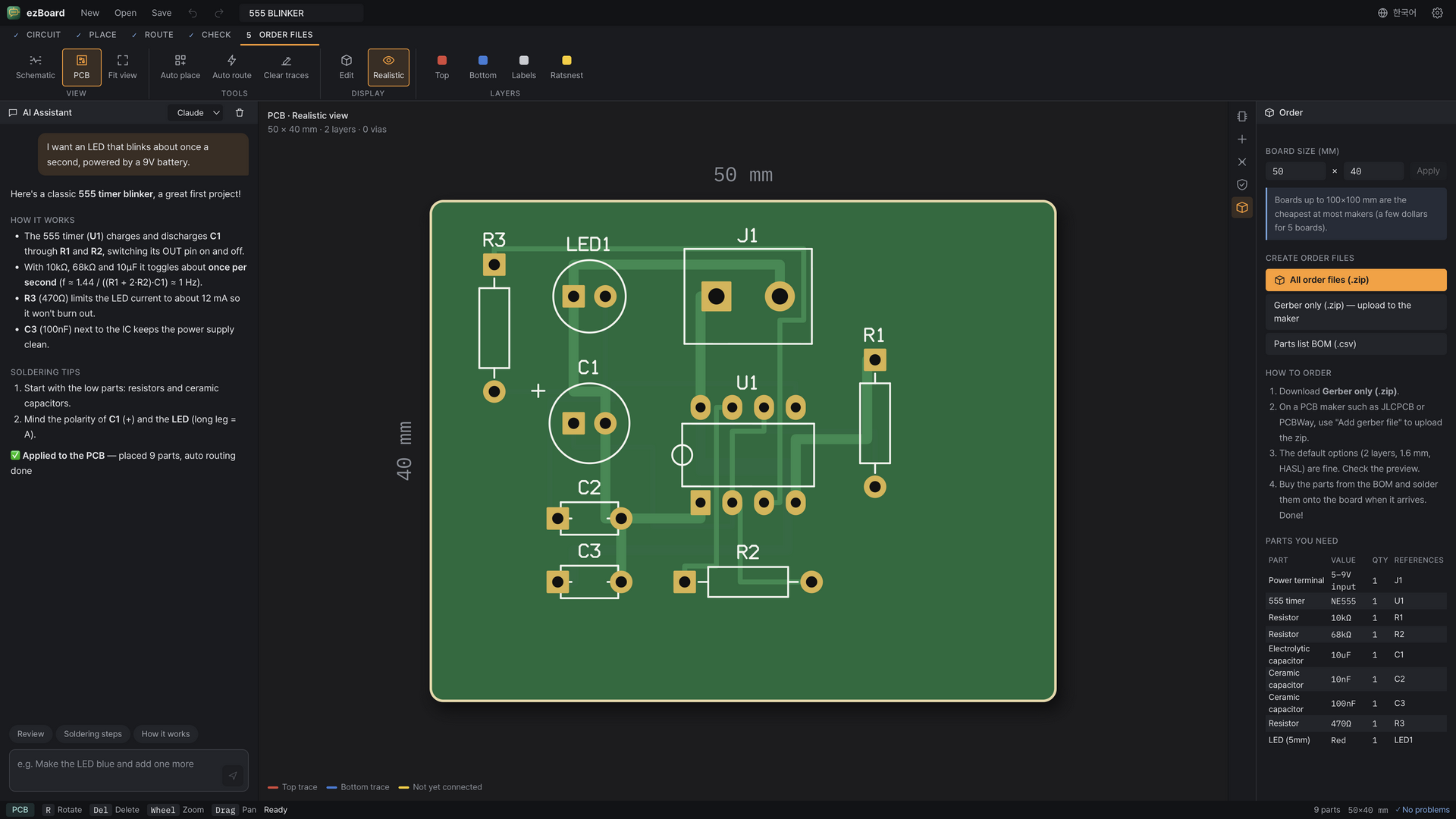
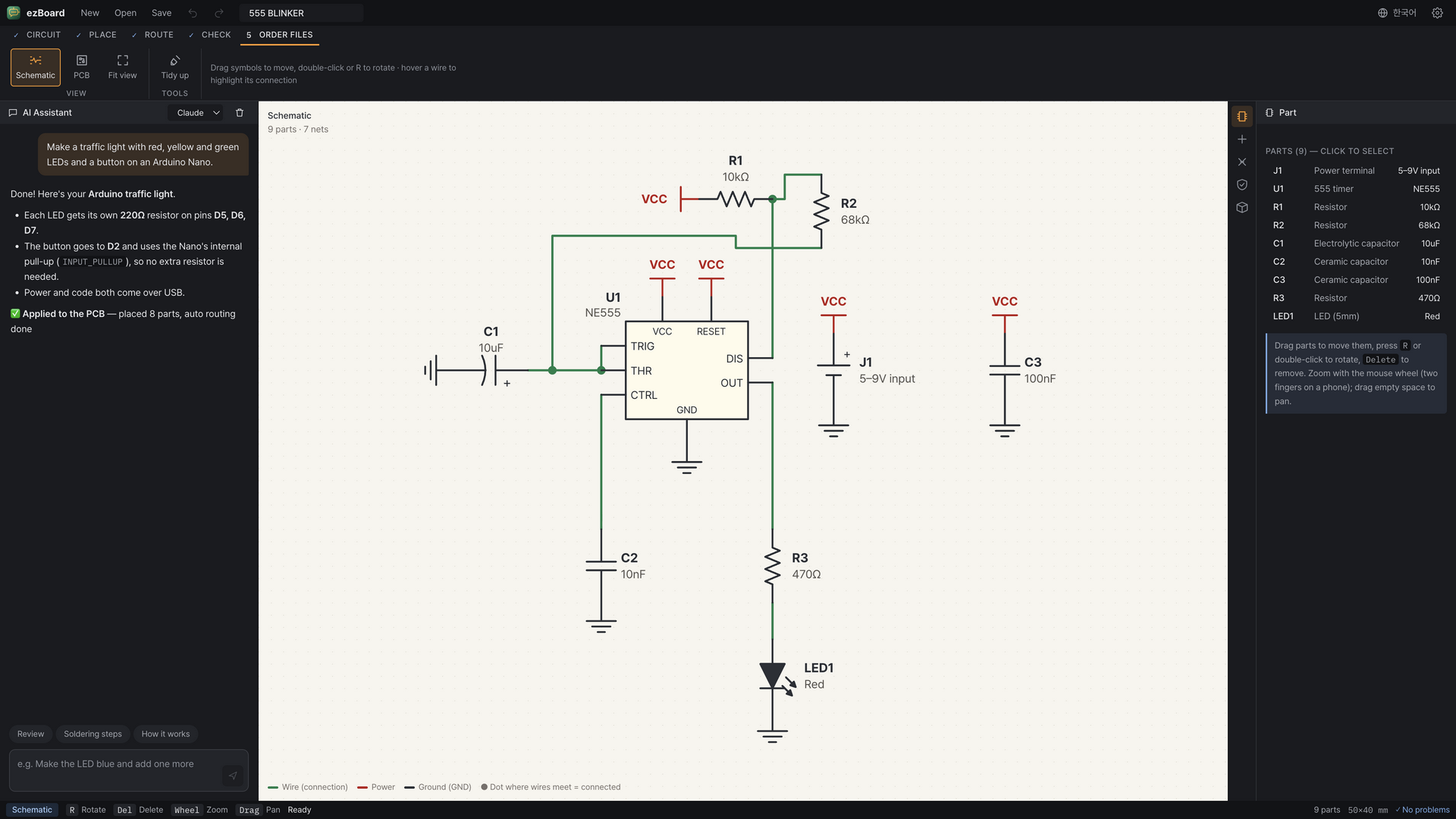
An AI PCB design app for beginners. Describe a circuit in plain words and the AI (Claude, Gemini or GPT) designs it, then places parts, routes traces, checks the board and exports Gerber files ready to order.
Latest release v1.4.0 · Nov 21, 2026 · Platforms: Android, Linux, macOS, Windows · TypeScript
Features
- Describe it, get a circuit — Type something like “an LED that lights when I press a button” and the AI draws the circuit (add your API key in settings, or try the built-in examples without one).
- Schematic view — Symbols and right-angle wires you can drag, rotate and tidy up automatically.
- Auto placement and routing — Parts are placed for you; a 2-layer A* router connects them, with thicker power traces.
- Beginner-friendly checks — Catches overlaps, parts off the board, unrouted nets, copper clearance and a missing LED resistor.
- Order files — Exports Gerber (RS-274X), drill and BOM in one zip for JLCPCB or PCBWay.
- Private keys — API keys stay in your browser and go straight to the AI provider.
Screenshots
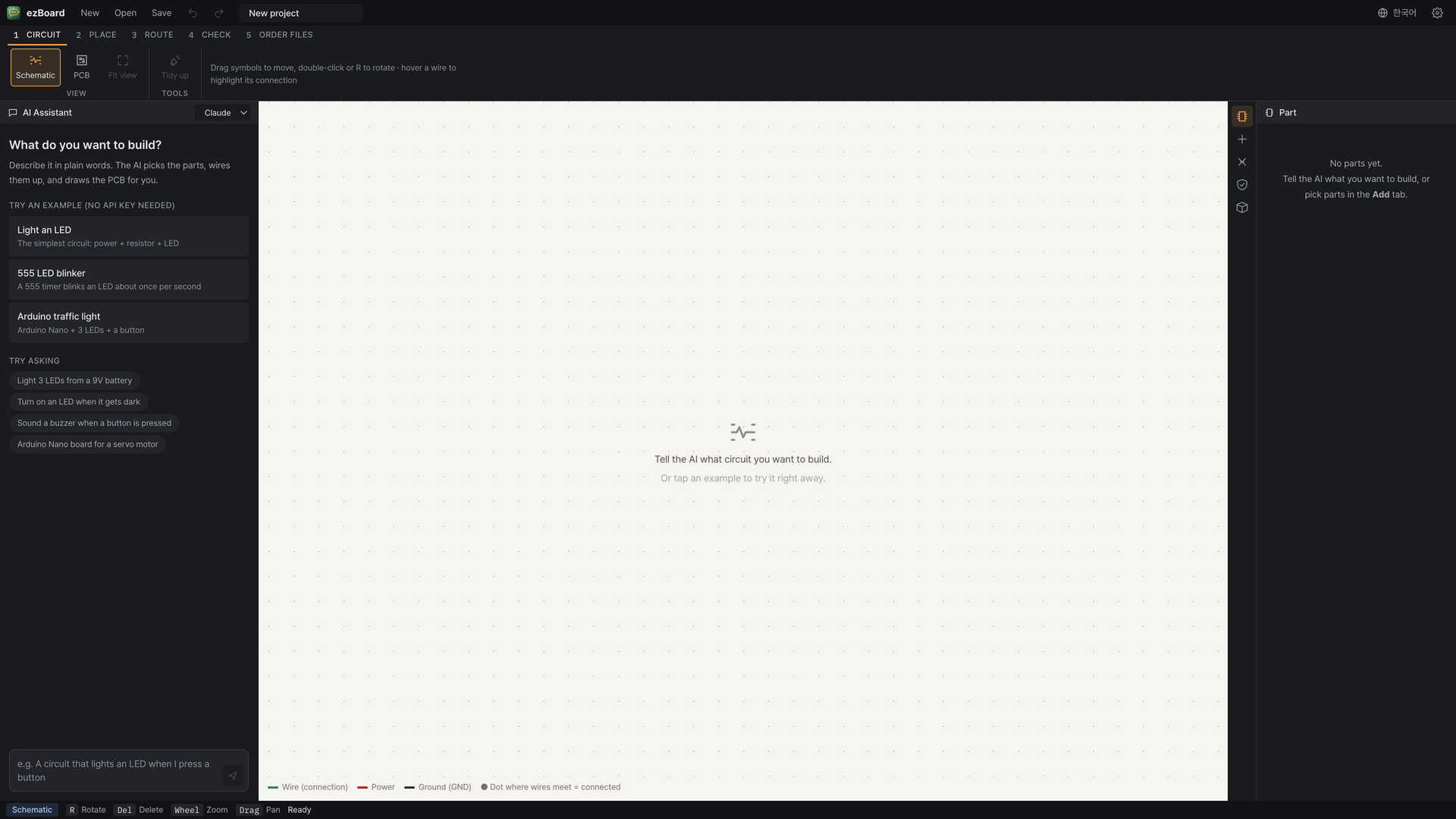
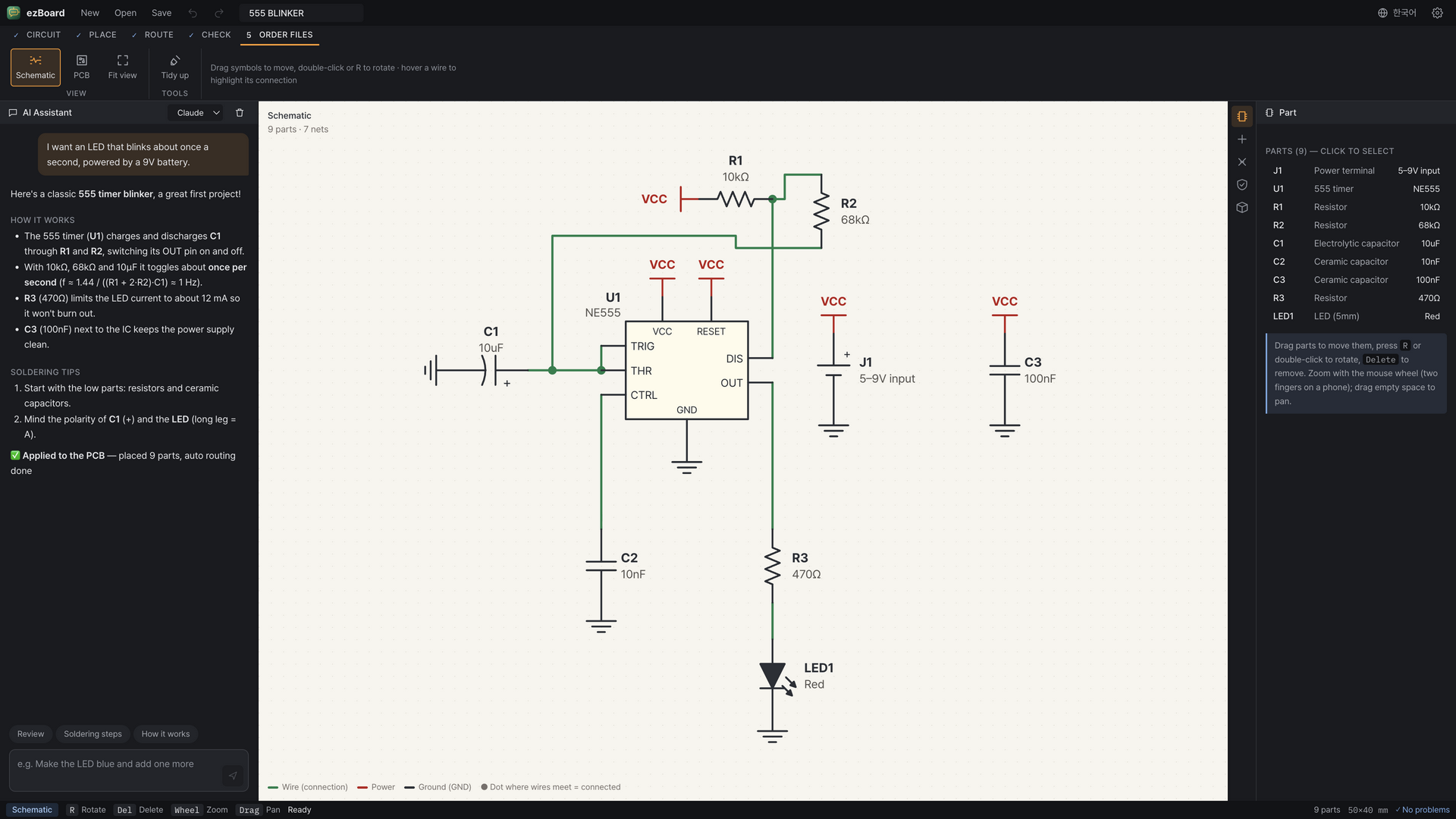
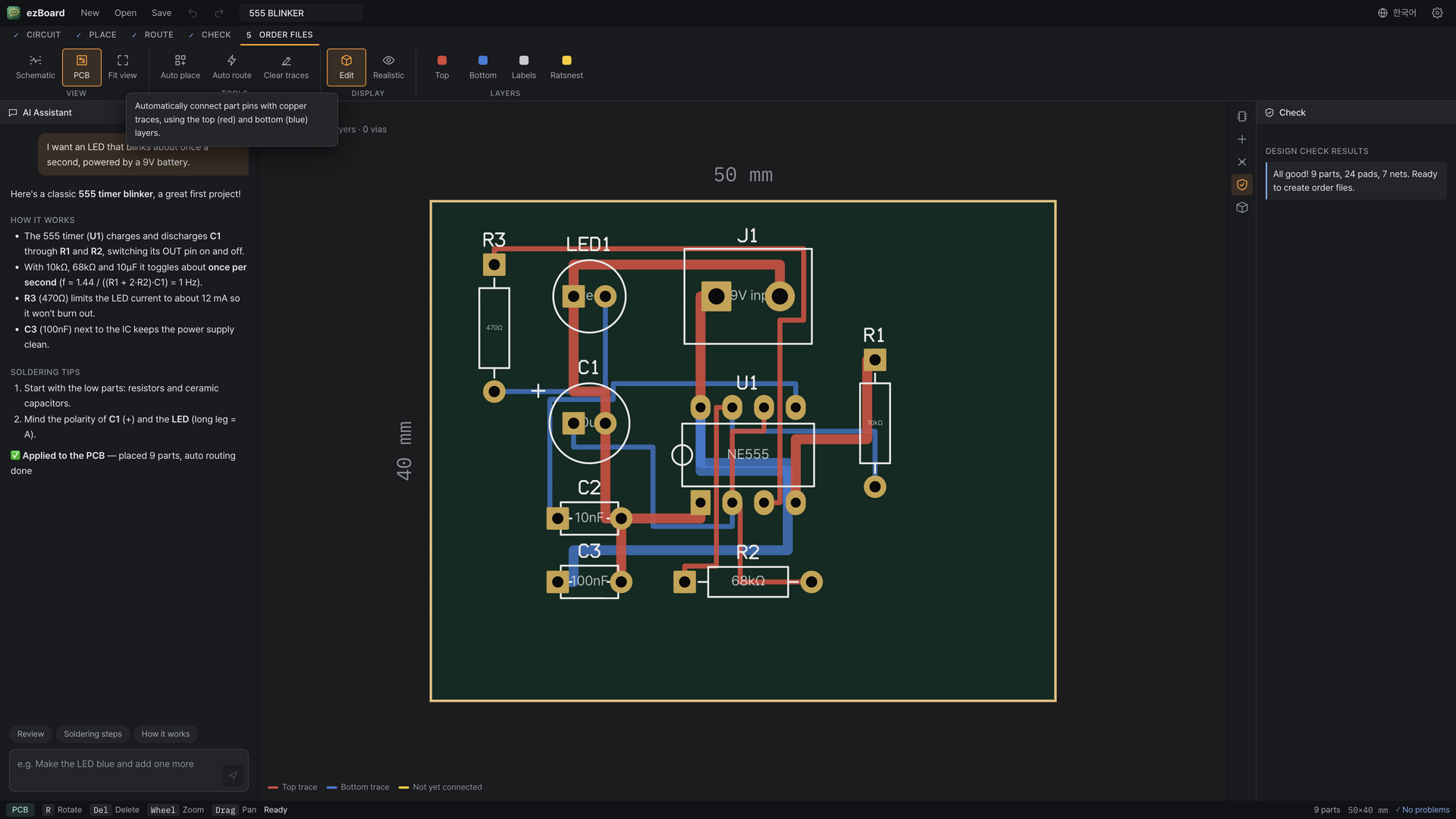
Downloads · v1.4.0
- ezBoard-1.4.0-android.apkAndroid · 6.7 MB
- ezBoard-1.4.0-linux-amd64.debLinux · 100.6 MB
- ezBoard-1.4.0-linux-x86_64.AppImageLinux · 123.7 MB
- ezBoard-1.4.0-mac-arm64.dmgmacOS · 118.4 MB
- ezBoard-1.4.0-mac-x64.dmgmacOS · 125.3 MB
- ezBoard-1.4.0-windows-x64-setup.exeWindows · 119.4 MB
 BangDB Manager
 Kerminal
 Kite-Writer
 KYNEX
 Grid Display
 Kreate
 ScreenDeck
 BangDB
 DeskCue
 HanEng
 Curvo
 NetworkScanner
 MarineGlobe 3D
 Mobile Traffic Map
 OrbitPulse 3D
 Do Not Disturb
 Dotty